
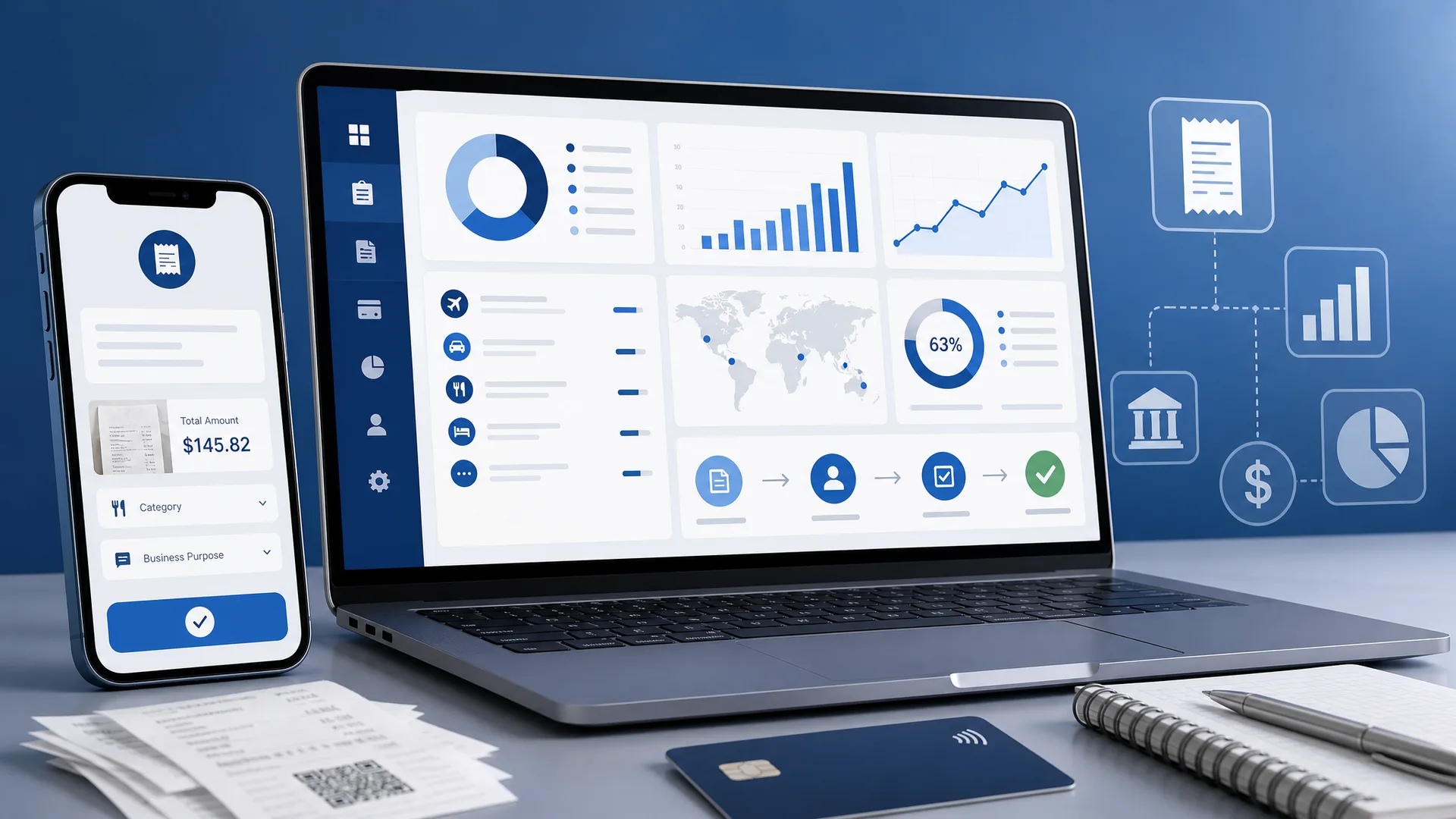
Choosing expense reporting software is one of the most consequential finance decisions an enterprise makes. The wrong tool locks teams into manual workarounds, delayed reimbursements, and patchy audit trails. The right one connects submission, approval, policy enforcement, and ERP posting into a single governed workflow. FinTrans Solutions helps organizations evaluate travel and expense management software by focusing on the criteria that separate surface level automation from genuine enterprise transformation.
Summary
- What is expense reporting? – Expense reporting is the process of documenting, submitting, and tracking business related expenses for reimbursement and accounting purposes. It creates an auditable trail for financial oversight, tax compliance, and spend visibility.
- What makes enterprise software different? – Enterprise expense reporting software goes beyond receipt capture. It enforces policy automatically, routes approvals through configurable workflows, integrates with ERP and HRMS systems, and supports multi country compliance requirements.
- Which vendors lead the category? – SAP Concur remains the enterprise incumbent with the broadest global footprint. Navan, Emburse, Ramp, Brex, Expensify, and Zoho Expense each serve different segments, from travel heavy organizations to budget conscious teams.
- How should buyers evaluate options? – Focus on six dimensions: submission experience, approval workflows, audit trail depth, mobile usability, ERP integration, and reimbursement cycle time. Weight each dimension by your organization’s complexity and scale.
- Why does FinTrans Solutions recommend this approach? – FinTrans Solutions positions expense reporting as the entry point to broader spend management transformation, connecting basic reporting needs to policy enforcement, user adoption, and reimbursement performance at enterprise scale.
What is expense reporting?
Expense reporting is the structured process through which employees document, categorize, and submit business related expenditures for approval and reimbursement. Finance teams then review those submissions against company policy, process payments, and record the transactions in the general ledger.
The process creates an auditable trail that supports financial oversight and tax compliance. Without it, organizations lose visibility into where money goes, who spends it, and whether spending aligns with corporate policy.
Expense reporting software automates this lifecycle. It replaces spreadsheets, paper receipts, and email approvals with digital workflows that capture data at the point of purchase, enforce policy rules in real time, and post approved amounts directly to financial systems.
Why software selection matters
Many organizations still rely on disconnected tools for expense submission, approval routing, and reimbursement. That fragmentation creates real costs. Manual reports are slow and expensive to process. Delayed reimbursements frustrate employees. Inconsistent policy enforcement exposes the business to compliance risk.
Modern expense reporting software addresses each of those problems. But the category is broad. Some platforms focus on corporate card issuance. Others prioritize travel booking integration. A few specialize in enterprise ERP connectivity. Selecting the right option requires understanding what your organization actually needs.
FinTrans Solutions approaches this evaluation through the lens of travel and expense management transformation. The goal is not just to digitize receipt capture. It is to connect expense reporting to policy governance, spend visibility, and reimbursement performance across every entity and geography.
Key evaluation criteria
Six dimensions separate adequate expense reporting tools from platforms that support enterprise scale operations. Use these criteria to structure your evaluation and shortlist.
Submission experience
How easily can employees create and submit expense reports? Look for OCR receipt capture, automatic matching of card transactions to receipts, and AI powered categorization. The fewer manual steps, the higher the adoption rate.
Approval workflows
Can the platform enforce multi level approvals, route exceptions to the right reviewer, and apply different rules by entity, department, or expense type? Configurable approval routing is essential for organizations with complex hierarchies.
Audit trail depth
Every change to an expense report should be logged with a timestamp and user identity. Strong audit trails support internal audit, external compliance reviews, and tax documentation requirements.
Mobile usability
Employees who travel need to capture receipts, submit reports, and check reimbursement status from a phone. Approvers need to review and act on pending reports without returning to a desktop. Mobile capability directly affects cycle time.
ERP integration
Expense data must flow into the general ledger, accounts payable, and cost center structures without manual re entry. Evaluate whether the platform offers prebuilt connectors for your ERP (SAP, Oracle, NetSuite, Dynamics 365, or others) and whether those connectors support bidirectional data synchronization.
Reimbursement efficiency
How quickly does money reach the employee after approval? Look at payment methods (direct deposit, EFT, payroll integration), processing timelines, and multi currency support for global organizations.
Vendor comparison overview
The table below compares seven widely evaluated expense reporting platforms across the criteria that matter most to enterprise buyers. FinTrans Solutions compiled this comparison from current vendor documentation and third party review sources.
| Platform | Best for | OCR receipt capture | Configurable approvals | ERP integration depth | Mobile app | Pricing model |
| SAP Concur | Large enterprises with complex global T&E | Yes, AI powered (ExpenseIt) | Multi level, policy driven | Deep SAP and broad third party ERP | Full featured | Quote based |
| Navan | Travel heavy organizations | Yes | Configurable | QuickBooks, Xero, NetSuite, Sage | Full featured | Free tier; $15 per user per month for expense |
| Emburse | Mid market to enterprise compliance | Yes | Multi level, entity aware | QuickBooks, Xero, SAP | Yes | Custom, by quote |
| Ramp | Card first spend automation | Yes, AI receipt matching | Configurable | NetSuite, Sage Intacct, QuickBooks, Xero (deeper sync on paid tiers) | Yes | Free tier; $15 per user per month for Plus |
| Brex | Startups and growth stage companies | Yes | Configurable | QuickBooks, Xero, NetSuite | Yes | Free tier; $12 per user per month for Premium |
| Expensify | Small teams, simple reporting | Yes (SmartScan) | Basic to multi level (plan dependent) | 30+ accounting integrations | Mobile first | From $5 per user per month |
| Zoho Expense | Budget conscious teams | Yes, 15+ languages | Multi level | Zoho Books native; NetSuite, Dynamics 365, QuickBooks, Xero | Yes | Free (3 users); from $4 per user per month |
Scoring matrix for buyers
Use this weighted scoring matrix to compare shortlisted platforms against your organization’s priorities. Assign a weight (1 to 5) to each criterion based on importance, then score each vendor (1 to 5) on capability. Multiply and total for a quantified comparison.
| Criterion | Weight (1 to 5) | What to evaluate |
| Submission experience | Your weight | OCR accuracy, auto categorization, number of manual steps to submit |
| Approval workflows | Your weight | Multi level routing, exception handling, entity and department rules |
| Audit trail | Your weight | Change logging, timestamp granularity, exportable audit reports |
| Mobile usability | Your weight | Receipt capture quality, offline support, approver experience on mobile |
| ERP integration | Your weight | Prebuilt connectors, bidirectional sync, data mapping flexibility |
| Reimbursement speed | Your weight | Payment methods, processing time, multi currency support |
| Policy enforcement | Your weight | Real time policy checks, pre submission warnings, automated blocks |
| Scalability | Your weight | Multi entity support, global compliance, user volume capacity |
Beyond reporting: the transformation lens
Expense reporting software is often the entry point to a broader spend management transformation. Organizations that start with a narrow reporting problem frequently discover adjacent needs: policy harmonization across countries, pre trip approval workflows, corporate card reconciliation, VAT recovery, and advanced spend analytics.
FinTrans Solutions helps organizations see expense reporting in this wider context. Rather than treating software selection as a standalone procurement exercise, FinTrans Solutions connects it to user adoption strategy, change management, ERP integration planning, and ongoing application maintenance. That approach ensures the selected platform delivers sustained value, not just initial automation.
The difference between a tool that gets deployed and one that transforms operations often comes down to implementation quality, training strategy, and post go live support. Those are the areas where a specialized partner like FinTrans Solutions adds the most value, particularly for SAP Concur environments.
Finance leaders evaluating expense reporting software should start with the six criteria outlined above, use the comparison table to narrow the field, and then engage a qualified implementation partner to validate fit. The goal is not just faster receipt capture. It is a connected, governed, and scalable expense process that supports compliance, employee experience, and financial accuracy across every entity.
FAQs
-
What is expense reporting?
Expense reporting is the process of documenting, submitting, and tracking business related expenses for reimbursement and accounting purposes. It creates an auditable trail that supports financial oversight, tax compliance, and spending visibility across the organization.
-
What are the best expense reporting software options?
Leading options include SAP Concur for global enterprises, Navan for travel heavy organizations, Emburse for mid-market compliance, Ramp and Brex for card first automation, Expensify for small teams, and Zoho Expense for budget conscious buyers. The best choice depends on your organization’s size, complexity, and ERP environment.
-
How does expense reporting software integrate with ERP systems?
Most platforms offer prebuilt connectors that post approved expense data directly to the general ledger, accounts payable, and cost center structures. SAP Concur provides the deepest integration with SAP environments. Ramp, Navan, and Zoho Expense connect with NetSuite, QuickBooks, Xero, and other systems.
-
What should be included in an expense report?
A complete expense report includes the date and vendor for each purchase, expense category, business purpose, receipt or supporting documentation, amount, and currency. Automated platforms capture most of these fields through OCR and card transaction feeds.
-
How can companies speed up expense reimbursement?
Automating submission and approval of workflows is the most effective way to reduce reimbursement cycle time. Platforms with real time policy checks, mobile approvals, and direct payment integrations eliminate manual bottlenecks that delay reimbursement in traditional processes.